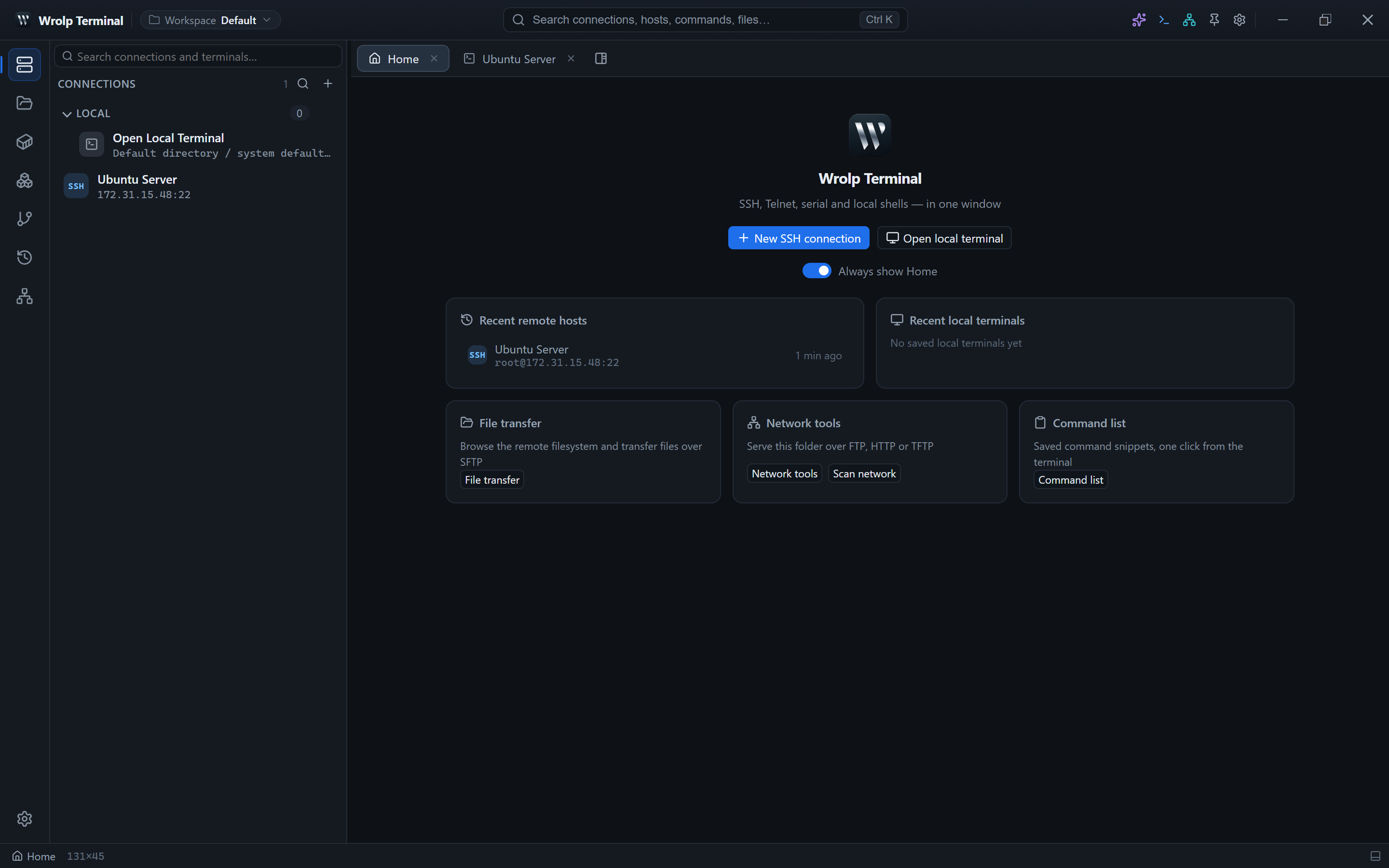
This manual covers Wrolp Terminal v0.0.12, chapter by chapter: installation, connections and session layout, files, operations panels, the AI assistant and data management.
Chapters
Installation & system requirements
Platforms, system packages, toolchain, build, test and release commands.
Your first connection
SSH, Telnet, serial and local sessions, authentication and connection health.
SFTP file transfers
Remote file browsing, the transfer queue, pause/resume and cancel semantics.
Remote file editing
Monaco editing, encoding detection, hex view, image preview and network file tools.
Docker & host analysis
Docker and podman hosts, container actions, logs, analysis reports and host probing.
Kubernetes & Helm
Contexts, namespaces, ten resource kinds, row actions and the Helm tab.
Git panel
Status, diff, history, branches, commit, push safeguards, conflicts and local ignore.
AI assistant
Chat versus Agent, endpoint profiles, key vault, images and send-to-terminal behaviour.
Session recording & export
Opt-in recording, NDJSON layout, replay, asciinema export and index repair.
Data location, migration & backup
Files in the data directory, migration rules, compacting and backup considerations.
Suggested reading paths
- First-time setup: 1 → 2 → 3. Install, connect, then learn how tabs and panes behave.
- Everyday file work: 4 → 5 → 6. Transfers, editing and port forwarding.
- Server operations: 7 → 8 → 9. Docker, Kubernetes/Helm and Git.
- AI and record keeping: 10 → 11 → 12. Assistant configuration, recording and data movement.
- When something breaks: jump to 13; each symptom links back to the relevant chapter.
Things to know
- Release packages are Windows MSI only; Linux and macOS build from source.
- Connection profiles and AI keys are encrypted; decryption depends on
vault.keyin the data directory, so back it up with the rest. - Session recording is off by default; once enabled, events are written to the local SQLite database and never uploaded.
- Tunnels are local port forwards: a listening port on your machine relays traffic through the SSH session to a remote target.
- Docker, Kubernetes and Git panels run their commands on the host of the focused terminal.
Prefer a guided tour of the features first? Return to the feature overview, or go straight to getting started.